
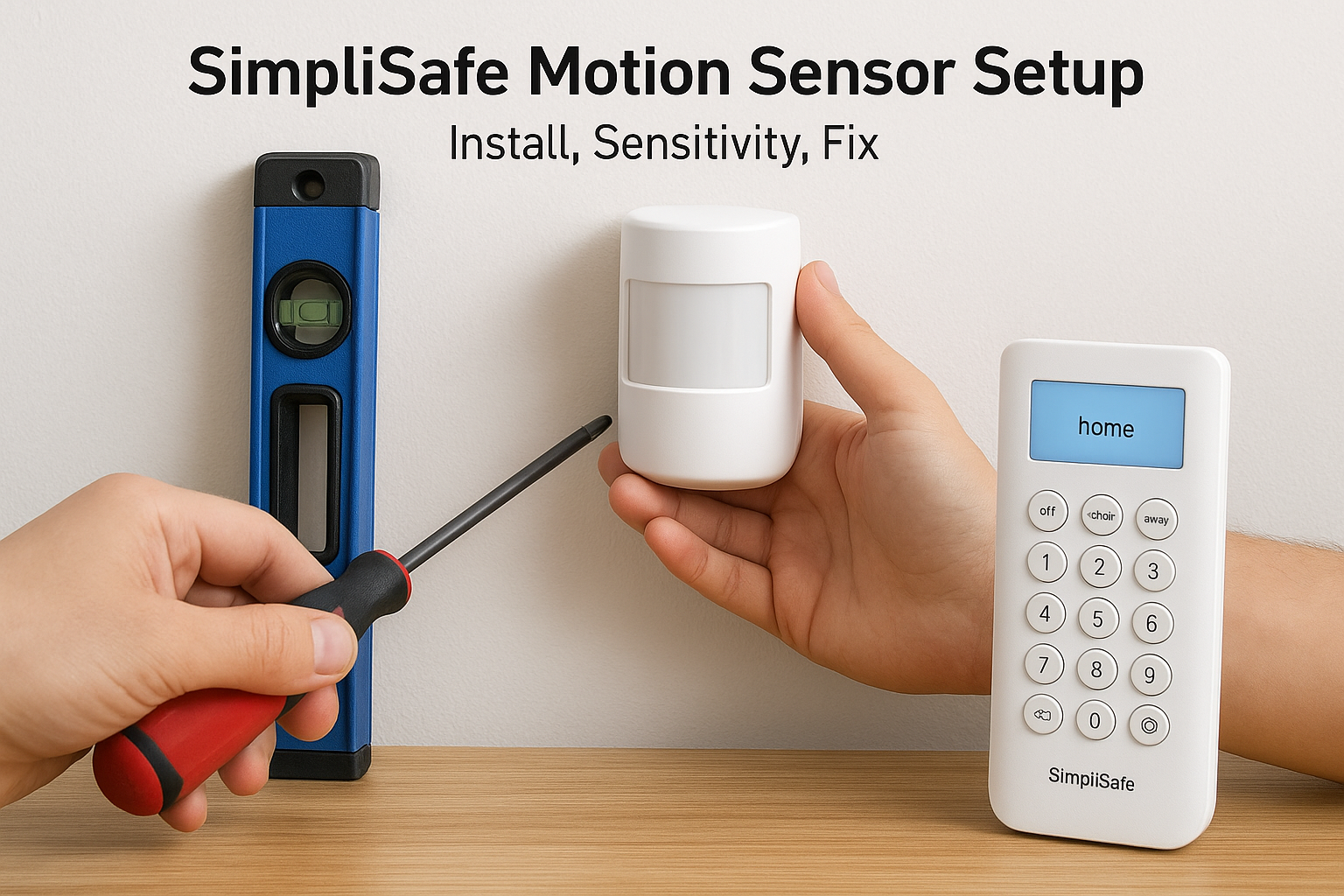
Motion sensors serve double duty in the paranormal investigation world. While SimpliSafe motion sensors are designed for home security, many ghost hunters have discovered their reliability makes them useful for detecting unexplained movement during investigations. At Haunt Gears, we’ve tested plenty of detection equipment, and understanding how these sensors work, whether for security or supernatural research, starts with proper setup and configuration.
Getting your SimpliSafe motion sensor functioning correctly involves more than just mounting it on a wall. You’ll need to understand placement requirements, sensitivity adjustments, and how features like pet immunity actually perform in real conditions. When problems arise, false triggers, connection drops, or detection gaps, knowing the right troubleshooting steps saves hours of frustration.
This guide covers the complete setup process from initial installation to fine-tuning your sensitivity settings. We’ll also address common issues and practical fixes, so your sensor works reliably for home protection or as part of your paranormal investigation kit.
What to know before you start
Before you install your SimpliSafe motion sensor, you need to verify your system compatibility and gather the right tools. Your sensor works only with a SimpliSafe base station that’s already set up and connected to your network. Without this foundation, your motion sensor can’t communicate or function.
Check what comes in the package
Your SimpliSafe motion sensor arrives with the mounting bracket, adhesive strips, and a pre-installed battery. The battery typically lasts three to five years depending on detection frequency and temperature conditions. You’ll also find two screws if you prefer permanent mounting over adhesive. Double-check that your sensor’s LED light blinks when you remove the battery tab, this confirms the unit is functional out of the box.
Gather your installation tools
You need minimal equipment for setup. Grab a screwdriver if you’re using screws instead of adhesive, a level tool or smartphone app to ensure straight mounting, and painter’s tape for marking test positions. Keep your SimpliSafe keypad or smartphone nearby since you’ll need it to add the sensor to your system. Having these items ready prevents interruptions during installation.
The most common setup mistake is placing sensors near heat sources like vents or direct sunlight, which triggers false alarms by detecting temperature changes rather than actual movement.
Understand placement restrictions
Your sensor detects motion up to 30 feet in a 90-degree field of view, but certain locations create problems. Avoid mounting near windows with direct sunlight, heating vents, or areas where pets regularly jump or climb. The pet-friendly feature ignores movement below 50 pounds at floor level, but it can’t distinguish animals that climb furniture or jump at sensor height.
Step 1. Place and mount the motion sensor
Your SimpliSafe motion sensor needs proper placement before you secure it to the wall. Start by identifying a location that covers your primary entry points and high-traffic areas. The sensor works best when mounted 6 to 8 feet high on a wall, pointing across the room rather than directly at doors or windows. This height and angle maximize detection range while reducing false triggers from shadows or light changes.
Choose the optimal mounting location
Walk through the room and mark potential spots with painter’s tape. Your sensor detects motion across a 90-degree cone extending 30 feet, so position it where this field of view covers doorways and pathways without obstruction. Avoid corners where furniture or curtains block the sensor’s line of sight. Test each marked location by standing at different points in the room and confirming the sensor would face those areas.
Mounting the sensor in a corner pointing diagonally across the room gives better coverage than placing it on a flat wall facing straight ahead.
Secure the mounting bracket
Clean the wall surface with rubbing alcohol and let it dry completely. Peel the backing from the adhesive strip and press the mounting bracket firmly against the wall for 30 seconds. For permanent installation, drill two pilot holes using the bracket as a template, then drive the provided mounting screws. Snap the sensor body onto the bracket until you hear a click, confirming it’s locked in place.

Step 2. Add the sensor to your SimpliSafe system
Your motion sensor won’t function until you connect it to your SimpliSafe base station. This pairing process takes less than two minutes and requires either your SimpliSafe keypad or the mobile app. The system recognizes the sensor automatically once you activate pairing mode.
Access pairing mode on your system
Press the Menu button on your keypad and enter your master PIN when prompted. Navigate to “Devices” and select “Add Device” from the menu options. Your base station enters pairing mode for 60 seconds, indicated by a blinking light on the unit.
Using the mobile app follows a similar path. Open the SimpliSafe app, tap the three-line menu icon, and select “My System.” Choose “Device Settings” then “Add Device” to activate pairing mode.
If your base station doesn’t enter pairing mode, verify the system isn’t armed and that you’ve entered the correct master PIN rather than a guest code.
Activate the motion sensor
Pull the battery tab from your simplisafe motion sensor to wake the device. The sensor’s LED blinks rapidly, signaling it’s searching for your base station. Within 10 seconds, your keypad or app displays a confirmation message showing the sensor’s serial number and allows you to name the device based on its room location.
Step 3. Set sensitivity and pet-friendly behavior
Your SimpliSafe motion sensor ships with default sensitivity that works for most homes, but adjusting these settings prevents false alarms while maintaining reliable detection. The system offers three sensitivity levels and a pet-friendly mode that ignores animals up to 50 pounds. These adjustments happen through your keypad or mobile app after the sensor connects to your base station.
Access sensitivity settings
Navigate to the Device Settings menu on your keypad by pressing Menu, entering your PIN, and selecting the motion sensor from your device list. Choose “Sensor Settings” to view current sensitivity configuration. The mobile app provides the same options under My System > Device Settings > select your motion sensor > Sensor Options.
Pet-friendly mode works by creating a detection zone that starts 30 inches above the floor, but cats or small dogs jumping on furniture can still trigger the sensor at that height.
Configure detection levels
Select from Low, Medium, or High sensitivity based on your room conditions. Low sensitivity reduces false triggers in rooms with temperature fluctuations or moving curtains. High sensitivity catches subtle movement but increases false alarm risk. Enable pet-friendly mode by toggling the switch in sensor settings, which automatically adjusts the detection pattern to ignore floor-level movement from animals under the weight threshold.

Step 4. Test coverage and fix common problems
Testing your SimpliSafe motion sensor confirms it detects movement across your intended coverage area without blind spots or false triggers. Arm your system in Test Mode by pressing Menu on your keypad, entering your PIN, and selecting “Test Mode” from the device menu. This setting triggers audible beeps from your base station when the sensor activates, allowing you to verify detection without setting off full alarms.
Walk test the detection zone
Move through your room at different angles and distances from the sensor while listening for confirmation beeps. Start at the farthest corner of your intended coverage area, roughly 30 feet from the sensor, and walk toward it at normal speed. Test detection from multiple entry points, doorways, and pathways where intruders would travel.
Your sensor should trigger within two seconds of crossing into its detection cone. If certain areas don’t register, adjust the sensor angle by loosening the mounting bracket and tilting it up or down by 10 degrees.
Motion sensors detect changes in infrared radiation, so walking parallel to the sensor works better for testing than walking directly toward it.
Troubleshoot detection failures
Connection drops occur when the sensor sits more than 400 feet from your base station or when thick walls block the signal. Move the base station closer or add a SimpliSafe repeater to extend range. Persistent false alarms usually stem from heat sources like radiators or air vents creating temperature fluctuations that mimic movement. Relocate your sensor at least five feet away from these sources to eliminate phantom triggers.

Wrap up and what to do next
Your SimpliSafe motion sensor now operates at full capacity with proper placement, system integration, and sensitivity configuration. You’ve positioned the device for optimal coverage, connected it to your base station, adjusted detection levels to match your environment, and tested the system to confirm reliable performance. These steps ensure your sensor functions correctly whether you’re protecting your home or monitoring a location during paranormal investigations.
Regular battery checks every six months keep your sensor operational without unexpected failures. Review your sensitivity settings quarterly, especially after moving furniture or changing room layouts that affect detection patterns. If you’re using motion sensors as part of paranormal research, consider expanding your detection capabilities with specialized equipment designed specifically for investigation work. Browse our paranormal investigation tools to find EMF meters, thermal cameras, and other devices that complement motion detection with targeted supernatural monitoring features.
Leave a Reply