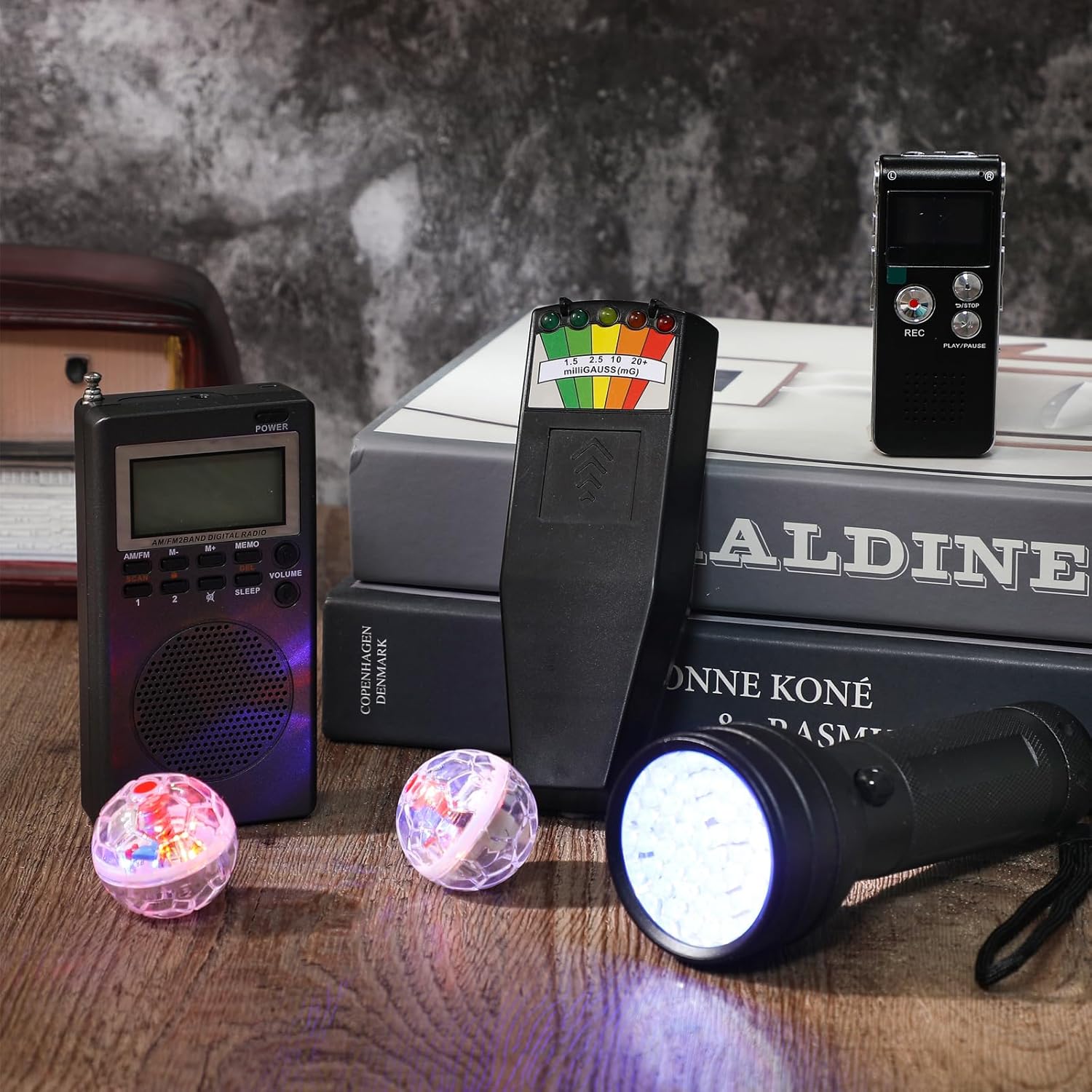
Motion detection plays a critical role in paranormal investigations, whether you’re monitoring an empty hallway for unexplained activity or automating your base camp lighting during overnight sessions. The Philips Hue motion sensor has become a popular choice among ghost hunters who want reliable, wireless detection without complex installation.
But which model fits your investigation needs? The indoor and outdoor variants offer different specifications, and Philips’ MotionAware technology adds another layer to consider. Understanding these differences helps you choose equipment that performs when it matters most.
This guide breaks down the key features of both sensor types, explains how MotionAware works, and covers where to purchase these devices. Whether you’re building out a smart investigation setup or simply want motion-triggered lighting for your next hunt, you’ll find the technical details and practical insights you need right here.
What the Philips Hue motion sensor does
The Philips Hue motion sensor detects movement within its coverage area and automatically triggers your connected smart lights. You mount the wireless device in a strategic location, and it monitors for activity using passive infrared (PIR) technology that picks up heat signatures from moving objects or people.
Core detection capabilities
Once activated, the sensor tracks three key variables: motion detection, ambient light levels, and temperature. When movement crosses its field of view, it sends an instant signal to your Hue Bridge, which then activates your programmed lighting response. You can set lights to turn on at specific brightness levels or even choose particular colors based on the time of day.
The sensor’s 120-degree detection angle covers a wide area, making it effective for monitoring doorways, hallways, or investigation zones. Its range extends up to 16 feet in optimal conditions, though walls and obstacles will reduce this distance.
“Motion sensors provide hands-free lighting control, which keeps your focus on evidence gathering rather than fumbling for switches during critical moments.”
Smart automation and scheduling
Your sensor integrates directly with the Hue ecosystem through the Hue Bridge hub. You customize automation rules in the Philips Hue app, setting different behaviors for day versus night or adjusting sensitivity levels to avoid false triggers. This means you can program investigation lights to activate only during specific hours or when ambient light drops below a certain threshold.
Battery life typically runs two to three years on the included AAA batteries, and the system alerts you when power runs low. The sensor communicates via Zigbee wireless protocol, ensuring reliable connection without drilling holes for wiring or running extension cords across your investigation site.
Indoor vs outdoor: key differences
Philips makes two distinct motion sensor models, and choosing the right one depends on your investigation environment. The indoor sensor works exclusively in climate-controlled spaces like buildings, houses, or indoor investigation sites. The outdoor version features weatherproof housing rated IP54, meaning it resists dust and water splashes from any direction.

Weather protection and durability
Your outdoor sensor handles temperature extremes from 14°F to 113°F (-10°C to 45°C), while the indoor model operates in a narrower range of 32°F to 95°F (0°C to 35°C). The outdoor unit’s sealed enclosure protects internal components from rain, snow, and humidity, which makes it suitable for cemetery investigations, outdoor historical sites, or monitoring exterior perimeters during multi-location hunts.
Detection range and mounting
Both sensors share the same 120-degree field of view and 16-foot detection range, but the outdoor model includes a more robust mounting bracket designed for exterior walls and posts. The indoor philips hue motion sensor uses a simpler magnetic mount that attaches to flat surfaces or sits on shelves.
“Weather resistance determines longevity in outdoor environments, so match your sensor choice to actual exposure conditions rather than just indoor versus outdoor locations.”
How to set up and place it
Your philips hue motion sensor requires the Hue Bridge hub before it detects anything. You connect the bridge to your router, download the Philips Hue app on your smartphone, and then pull the battery tab on your sensor to activate it. The app automatically discovers new devices within range and walks you through pairing the sensor to your bridge in under two minutes.
Initial configuration steps
After pairing completes, you name your sensor based on its location and assign it to a room or zone within the app. Next, you create automation rules that specify which lights activate when the sensor detects movement. The app lets you adjust sensitivity levels, set time delays before lights turn off, and configure different behaviors for daylight versus nighttime hours.
Strategic placement for investigations
Mount your sensor 3 to 6 feet above ground level for optimal detection coverage, angling it toward the area you want to monitor. Corner placement maximizes the 120-degree field of view, letting you cover doorways and entry points with a single device. Avoid positioning it near heat sources like vents or radiators, which create false triggers by fooling the infrared sensor.

“Elevation and angle determine your sensor’s effectiveness, so test different positions during setup rather than assuming the first placement works best.”
MotionAware: motion detection without a sensor
MotionAware technology eliminates the need for separate hardware by using your smartphone’s sensors to trigger lighting automation. You enable this feature in the Philips Hue app, and the system tracks when you arrive home or leave your investigation site. Your lights respond to location changes rather than physical movement within a room.
How MotionAware differs from physical sensors
Unlike a physical philips hue motion sensor that monitors specific zones, MotionAware relies on geofencing and phone connectivity. You set a virtual boundary around your location, and the system activates lights when your phone crosses that perimeter. This works through GPS tracking combined with Bluetooth proximity detection, letting you automate arrival lighting without mounting devices.
The technology proves useful for base camp setups where you want lights ready before you enter, but it won’t replace sensors for monitoring empty rooms or detection zones during active investigations. Your phone must remain with you and maintain battery power and internet connection for the automation to function reliably.
“MotionAware handles macro-level automation based on your presence or absence, while physical sensors provide precise zone monitoring for specific investigation areas.”
Battery drain increases when location services run continuously, so balance convenience against your phone’s power needs during extended investigations.
Troubleshooting and FAQs
Your philips hue motion sensor occasionally encounters issues that affect performance, but most problems stem from simple configuration errors or environmental factors. Understanding common failure points helps you resolve detection problems quickly during investigations without losing valuable monitoring time.
Connection and pairing failures
When your sensor refuses to pair with the Hue Bridge, first verify the battery tab is fully removed and the green LED blinks during setup. Move the sensor within 10 feet of the bridge during initial pairing, as walls and interference weaken the Zigbee signal. If pairing still fails, reset the device by holding the setup button for 10 seconds until you see a rapid blink pattern.
Sensors that drop offline after successful pairing usually suffer from low battery power or signal obstructions. Replace batteries with fresh AAA cells and relocate the bridge to a more central position if multiple devices show connectivity issues.
False triggers and missed detections
Adjust your sensitivity settings in the Hue app when the sensor activates too frequently or ignores actual movement. Heat sources like radiators or direct sunlight cause false positives by creating infrared fluctuations the sensor interprets as motion. Repositioning the device away from these elements eliminates phantom triggers.
“Most detection problems trace back to placement rather than hardware failure, so test alternative mounting positions before assuming your sensor is defective.”

Final takeaways
The philips hue motion sensor delivers reliable automation for investigation lighting, whether you select the indoor model for controlled environments or the outdoor variant for weather-exposed locations. Your choice depends on actual exposure conditions, detection range requirements, and how you integrate motion sensors into your broader investigation workflow.
MotionAware provides phone-based convenience for macro-level automation, but physical sensors remain essential for zone-specific monitoring during active investigations. Strategic placement and proper configuration eliminate most detection issues, letting you focus on evidence gathering rather than troubleshooting equipment failures mid-session.
Budget considerations matter when building your investigation toolkit. Smart lighting automation complements other detection equipment, and professional paranormal research devices provide the specialized sensors you need for comprehensive fieldwork beyond basic motion detection. Your investigation setup benefits from combining motion-triggered lighting with dedicated tools that capture electromagnetic fluctuations, temperature variations, and audio anomalies across multiple zones simultaneously during overnight sessions.