
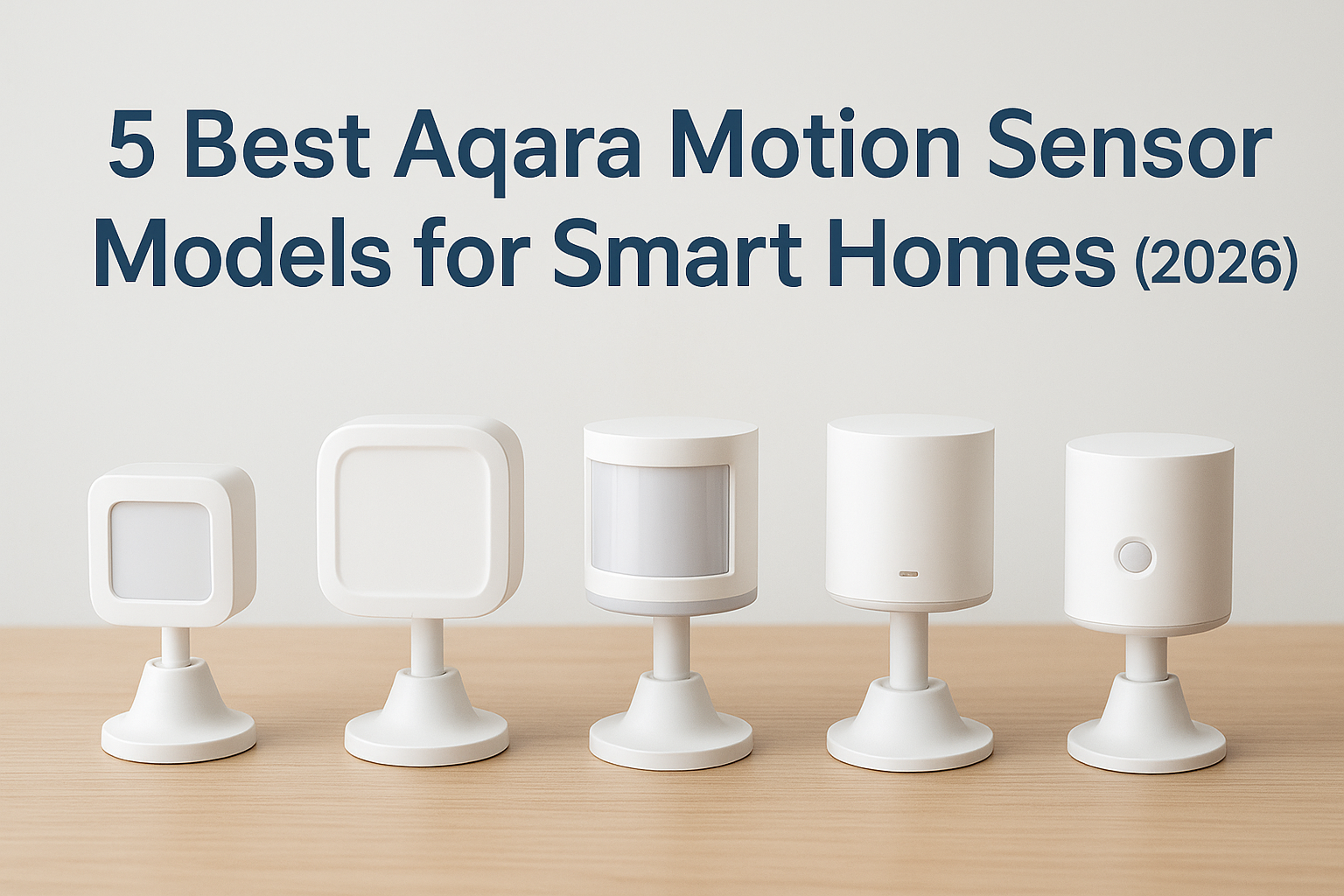
Whether you’re automating your home lighting or monitoring a reportedly haunted location for unexplained activity, the Aqara motion sensor lineup offers some of the most reliable detection technology on the market. At Haunt Gears, we’ve tested these sensors extensively, not just for everyday smart home convenience, but for their potential in paranormal investigation setups where precision and sensitivity matter most.
Motion detection forms the backbone of any serious monitoring system. For ghost hunters, a sensor that triggers when no living person is present can provide compelling documentation. For smart home enthusiasts, it means hands-free automation that actually works. The Aqara ecosystem delivers on both fronts with Zigbee connectivity, impressive battery life, and seamless integration with platforms like Apple HomeKit and Home Assistant.
This guide breaks down the five best Aqara motion sensor models available in 2026. We’ll cover everything from the budget-friendly MS01 to the advanced P2 with its millimeter-wave radar technology. By the end, you’ll know exactly which sensor fits your needs, whether that’s triggering lights in a hallway or catching movement in an empty room during your next investigation.
1. Aqara Motion Sensor P2
The Aqara Motion Sensor P2 represents the current flagship in their motion detection lineup. This model uses millimeter-wave radar technology instead of traditional passive infrared (PIR), which means it detects movement with far greater precision. You’ll notice the difference immediately when someone enters a room, as the P2 responds faster than older PIR-based sensors and maintains detection even when a person remains relatively still.
What it detects and how it triggers automations
The P2’s radar technology picks up micro-movements that standard PIR sensors miss entirely. When you walk into a room and stop to check your phone, the sensor continues to register your presence instead of timing out. This makes it ideal for automation scenarios where you need consistent detection, like keeping lights on while you’re working at a desk or monitoring a room during an investigation.
Thread and Matter support, and what you actually need
This aqara motion sensor supports both Thread and Matter protocols, which future-proofs your setup as the smart home industry standardizes. You’ll need a Thread border router (like an Apple HomePod mini or certain Amazon Echo devices) to take advantage of these features. Matter compatibility means the P2 works across ecosystems without requiring multiple hubs.
“Thread connectivity eliminates the single point of failure that Zigbee hubs create, giving you a more resilient mesh network.”
Where it fits best in a smart home
The P2 excels in occupied rooms where continuous presence matters. Install it in living rooms, home offices, or investigation sites where you need reliable detection without false negatives. The sensor’s wide detection angle covers most standard rooms from a single mounting point.
Limits to know before you buy
You can’t use the P2 outdoors, and its USB-C power requirement means no battery operation. The sensor also costs significantly more than PIR alternatives. Plan your cable routing before installation, as the power cord limits placement flexibility.
Typical price range in the US
Expect to pay between $45 and $55 for the P2 in 2026. You’ll find it at major retailers and through the Aqara website.
2. Aqara Motion Sensor P1
The Aqara Motion Sensor P1 delivers solid performance at a mid-range price point. This PIR-based sensor runs on Zigbee 3.0 and offers the reliability you need without the premium cost of radar technology. You’ll get two years of battery life from a single CR2450 cell, making it practical for installations where power access isn’t available.
What you get with Zigbee and an Aqara hub
Your P1 connects through Zigbee wireless protocol, which requires an Aqara hub or compatible smart home controller. The hub translates sensor data into automation triggers that platforms like HomeKit and Home Assistant understand. This setup creates a stable mesh network where each Zigbee device strengthens the overall signal range.
Battery life, sensitivity, and cooldown settings
The P1’s battery typically lasts two full years under normal use. You can adjust detection sensitivity through the Aqara app to reduce false triggers from pets or passing vehicles. Cooldown periods determine how long the sensor waits before re-triggering, which you’ll want to customize based on room traffic patterns.
“Adjusting cooldown settings prevents rapid on-off cycling in high-traffic areas while maintaining responsiveness where it matters.”
Best placements and common placement mistakes
Mount your sensor in room corners at a height of seven to eight feet for optimal coverage. Avoid placing it near heating vents, direct sunlight, or reflective surfaces that cause false positives. Position the sensor to detect cross-traffic rather than movement directly toward or away from it.

Smart home compatibility checklist
The P1 works with Apple HomeKit, Google Assistant, and Alexa through an Aqara hub. You’ll need Home Assistant with a Zigbee adapter for advanced automation. Check that your hub supports the Zigbee 3.0 standard before purchasing.
Typical price range in the US
This aqara motion sensor costs between $20 and $25 at most retailers in 2026.
3. Aqara Presence Sensor FP2
The Aqara Presence Sensor FP2 takes a fundamentally different approach to room monitoring. While traditional motion sensors detect movement and then time out, this mmWave radar device maintains continuous awareness of human presence. You’ll find this particularly valuable in spaces where people remain stationary for extended periods, like home offices or during equipment-monitored investigations.
Presence vs motion, and when FP2 matters
Standard motion sensors fail when you stop moving, which forces you to wave your arms to re-trigger lights or automation. The FP2 tracks breathing and micro-movements that keep detection active even when you’re sitting completely still. This makes it essential for workspace automation and investigation scenarios where sustained monitoring matters more than simple entry detection.
Room mapping, zones, and multi-person detection
Your FP2 divides rooms into up to 30 zones that trigger different automations based on where people are located. The sensor tracks multiple individuals simultaneously and maintains separate zone awareness for each person. This precision allows complex automation like dimming specific light groups or triggering alerts only when certain areas of a room show activity.

Power, mounting, and setup expectations
You’ll need a USB-C power adapter and permanent mounting location for the FP2. Setup involves mapping your room through the Aqara app, which takes roughly 15 minutes as you walk through detection zones. The sensor requires stable WiFi connectivity rather than Zigbee, eliminating hub requirements but limiting placement to areas with strong signal.
Best use cases and deal-breakers
The FP2 excels in single-room monitoring where continuous presence matters. Investigation teams use it to verify room occupancy during evidence collection, while smart home users appreciate lights that stay on during desk work. However, the $80 to $90 price point and power cord requirement make it impractical for simple hallway automation where a basic aqara motion sensor works fine.
“The FP2’s zone-based detection lets you automate different room areas independently, something standard motion sensors can’t achieve.”
Typical price range in the US
Expect to spend between $80 and $90 for the FP2 in 2026.
4. Aqara Motion Sensor T1
The Aqara Motion Sensor T1 bridges the gap between the original model and the premium P-series lineup. This Zigbee 3.0 device offers improved stability and faster response times compared to its predecessor while maintaining the budget-friendly price point that makes multi-sensor installations practical. You’ll find the T1 particularly appealing if you’re equipping multiple rooms or expanding an existing paranormal monitoring setup.
What makes it different from the older basic model
Your T1 sensor features faster communication protocols and improved interference resistance that the original model lacks. Detection angle remains similar, but you’ll notice quicker automation triggers and more reliable connection maintenance during high-traffic periods.
Zigbee features that impact real-world reliability
The T1’s Zigbee 3.0 implementation creates stronger mesh networks that self-heal when individual devices drop offline. You’ll experience fewer dropouts during investigations and more consistent performance across larger homes with multiple connected devices.
Best for budget setups and multi-sensor homes
This aqara motion sensor makes economic sense when you need five or more sensors throughout your property. Your cost per room drops significantly compared to premium models while maintaining the core functionality most automations require.
Compatibility and hub requirements
You’ll need an Aqara hub or compatible Zigbee controller to operate the T1. The sensor works with HomeKit, Alexa, and Google platforms through proper hub integration.
Typical price range in the US
Expect to pay $18 to $22 per sensor in 2026.
5. Aqara Motion Sensor, original model
The original Aqara Motion Sensor remains available through resellers and secondary markets despite newer models offering superior features. This first-generation PIR sensor established the reliability that made Aqara’s reputation in the smart home space, and its simplicity still serves specific use cases where advanced features create unnecessary complexity.
Why this older model still shows up in 2026
Your original sensor costs less than newer versions and works perfectly for basic automation tasks. Retailers liquidate remaining stock at discounted prices, while investigation teams maintain compatibility with existing multi-sensor setups by purchasing the same model they started with years ago.
Core specs and what you give up vs newer sensors
This aqara motion sensor uses standard PIR detection with a 170-degree field of view. You sacrifice the faster response times and improved mesh networking that Zigbee 3.0 provides in the T1 and P1 models.
Best for simple triggers and starter setups
Your original sensor handles straightforward automations like hallway lights or entry alerts without issue. Budget-conscious users appreciate its proven track record for basic motion detection tasks.
Known quirks and how to avoid false alerts
Position your sensor away from heat sources and direct sunlight that trigger false positives. The older firmware occasionally drops connections, which you’ll resolve by moving Zigbee devices closer together.
“The original model taught the market that affordable sensors could deliver professional-grade reliability when properly positioned.”
Typical price range in the US
Expect $12 to $18 for remaining inventory in 2026.

Next steps
Your aqara motion sensor selection depends on your specific automation needs and budget constraints. Start by identifying which rooms require continuous presence detection versus simple motion triggers. The P2 and FP2 excel in spaces where you spend extended time, while the P1 and T1 handle high-traffic areas and hallways efficiently.
Budget plays a major role in multi-sensor installations. Calculate your total room coverage needs before committing to premium models. Mixing sensor types across your property often delivers the best value, placing advanced units in critical areas and basic models in secondary spaces.
At Haunt Gears, we test motion sensors under real-world conditions that matter to both smart home enthusiasts and paranormal investigators. Our equipment reviews focus on detection accuracy and reliability rather than marketing claims. Browse our sensor guides and investigation gear to build a monitoring system that actually works when you need it most.
Leave a Reply